Start with the thermostat settings, filter, return grille, and closed doors or windows. If the system still blows warm air, runs without cooling, or develops ice, switch it off and arrange professional diagnosis.
An air conditioner that is running but not cooling can have many causes. Some are ordinary settings or airflow restrictions; others involve sealed refrigerant or electrical components. Work through the homeowner checks without opening service panels.
What to check first
Check the controls
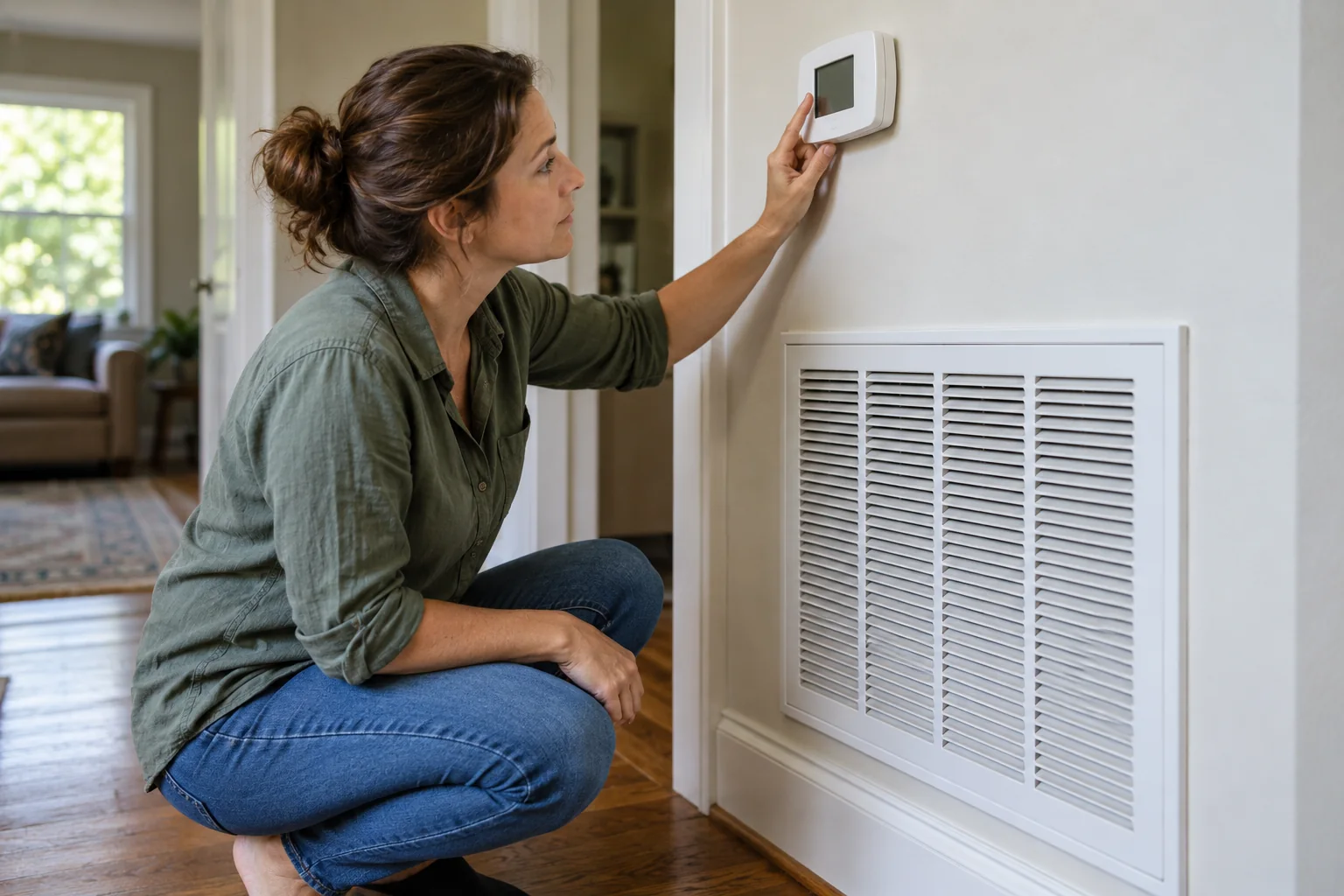
Confirm the thermostat is set to cool and the target temperature is lower than the room temperature. If it uses batteries, follow its manual to check them. Allow the system a little time to respond after a setting change.
If the fan is set to run continuously, moving air does not prove the compressor is cooling. Note whether the outdoor unit starts normally, but do not touch its wiring or moving parts.
Check the settings without chasing the thermostat
Confirm the thermostat is set to cooling, the target is below the measured room temperature, and the fan setting is what the manual recommends for normal operation. Look for a schedule, vacation mode, or app override that changed the target unexpectedly. Wait through any normal compressor delay stated by the maker before deciding the system did not respond. Turning the setting much colder will not make a correctly operating system cool faster; it may simply keep it running longer.
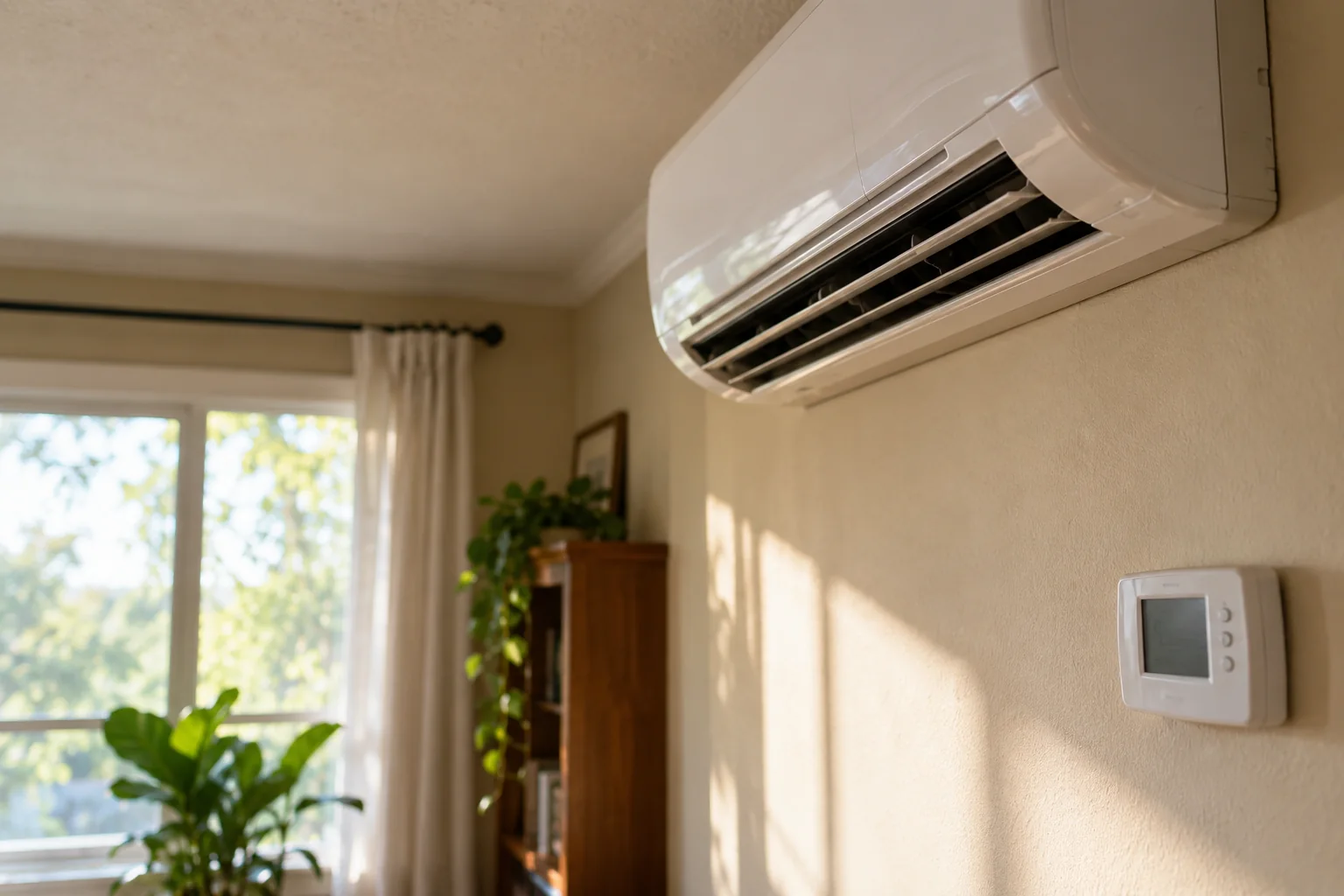
Check whether the indoor fan is moving air and whether the outdoor equipment appears to operate from a safe distance. Do not remove covers or reach into the unit. If the display shows an error code, photograph it before resetting. A blank thermostat may have a battery or power issue depending on the model, but do not open electrical equipment to investigate. If a breaker has tripped repeatedly, treat that as a fault requiring professional assessment rather than a routine reset.
Distinguish no cooling from slow cooling
Note the time the system started, the room temperature, and which rooms are uncomfortable. A single hot room may have a blocked vent, sun exposure, or a duct issue; a whole house staying warm suggests a broader system or load problem. Compare the air at a few accessible supply registers without inserting tools into them. Is there airflow but little cooling, or barely any airflow? This distinction helps a technician diagnose the system more efficiently.
Avoid using a touch test at refrigerant lines as a diagnosis. Temperatures depend on operating conditions and can be unsafe or misleading. Record what you can observe from the controls and occupied rooms. If indoor conditions pose a health risk for a vulnerable person, move to a safer environment and seek urgent assistance as appropriate.
Restore clear airflow
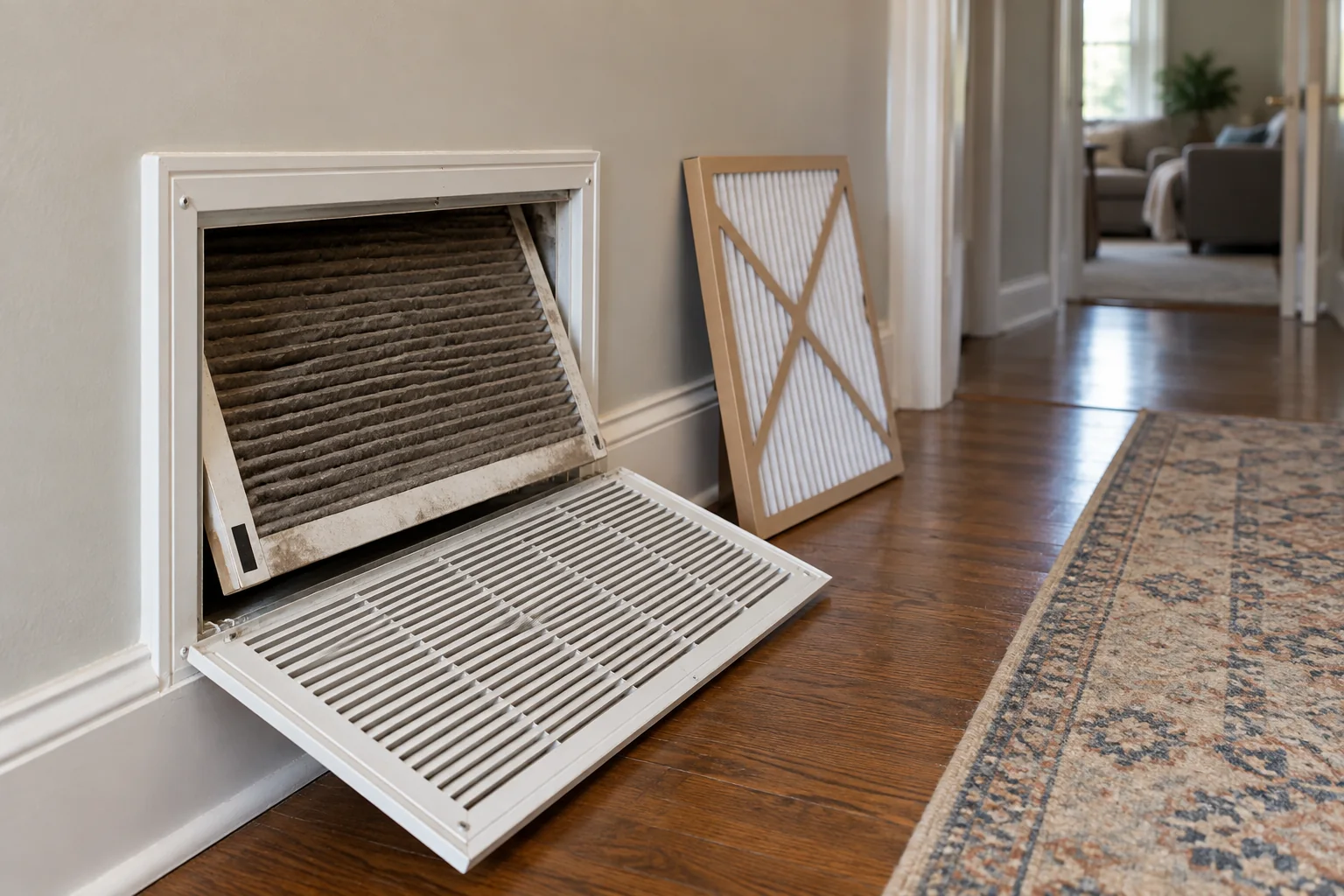
Check the designated filter slot and replace a dirty filter with the correct size and rating. Make sure return grilles are not covered by furniture and that supply vents are open according to the system instructions.
A blocked or dirty filter can reduce airflow and may contribute to freezing. If you see ice on accessible piping or the indoor unit, stop cooling and call a technician instead of repeatedly restarting it.
Restore the airflow the owner can access
Check the air filter according to the system manual. A heavily loaded or poorly fitted filter can affect airflow, but changing it will not fix every cooling problem. Turn off the system using the designated controls before opening a homeowner-accessible filter slot. Confirm the new filter is the correct size, thickness, and permitted rating, with its airflow arrow oriented correctly. Refit the cover. If the filter is wet, investigate why instead of installing another and running the system.
Make sure return grilles are not blocked by furniture, curtains, or boxes. Check accessible supply registers are open as intended. Do not close many registers to force air into one room without professional guidance; that can change system airflow. If ice is visible on accessible equipment or an indoor coil housing, stop cooling and contact a qualified technician. Running an iced-up system can worsen the problem. Do not chip away ice or open service panels.
Look outside from a safe distance
Leaves or stored objects placed too close to an outdoor unit can obstruct air movement. Follow the manufacturer's clearance guidance and remove only loose items that can be reached without touching the equipment or its wiring. Do not wash a unit with a pressure washer or dismantle a grille based on a generic video. If the fan is not turning, makes an unusual sound, or the unit is damaged, note it and arrange service.
A sudden change after yard work or a storm is useful context. Photograph visible damage from a safe place. Do not handle exposed wires or refrigerant tubing.
Look for an obvious heat load
Close open windows and exterior doors. Check whether blinds or curtains can reduce strong sun without blocking supply outlets. Consider whether a cooking appliance or unusually crowded room is adding heat faster than usual.
Compare the result at more than one vent. One room that is warmer than the rest may suggest a local distribution problem rather than a failure of the whole system.
Account for the heat entering the room
A system may be operating yet struggle during a heat wave, especially if sunlight pours through windows or doors are frequently opened. Close blinds where appropriate, use shading safely, and keep exterior doors closed. Check whether a portable appliance, oven, or other heat source is adding load. These measures can improve comfort but should not be used to excuse an abrupt loss of cooling under ordinary conditions.
Compare the room after a reasonable operating period with its past performance under similar weather. A thermometer reading and a short timeline are more useful than a vague sense that the air “feels wrong.” If one room is always warmer, note its orientation and whether it has adequate return path. Do not attempt duct modifications or refrigerant work to address a distribution issue.
Separate a maintenance issue from a service issue
A dirty filter or blocked return is an owner-level check. A low refrigerant charge, electrical component, blower fault, condensate problem, or control failure requires qualified diagnosis. Refrigerant should not be treated as a consumable to “top up” without finding why the system is low. Ask the service technician what measurements support the diagnosis and whether a leak, airflow restriction, or control issue was found. Avoid buying a part based solely on a symptom list.
If water is leaking from indoor equipment, address nearby electrical risk and possible property damage. Shut the system down if safe and arrange service. Do not keep a bucket under a growing leak as the only response.
Know when to stop
If you notice burning smells, repeated breaker trips, water around electrical parts, or persistent poor cooling after basic checks, stop using the unit and seek qualified help. Do not add refrigerant yourself or open sealed components.
Tell the technician when the issue began, whether airflow changed, what the thermostat showed, and whether you saw ice or water. Those details help narrow the diagnosis.
Know the stop signals
Repeated breaker trips, burning odors, smoke, exposed wiring, loud grinding, or visible ice are reasons to stop owner testing. Do not keep resetting protection devices or opening panels. If the system cannot maintain a safe indoor temperature during extreme heat, protect household members first. Follow local heat guidance and seek help for those at higher risk. The repair can wait until people are in a safe environment, but the need for qualified service should be communicated promptly.
When calling, provide the model if known, the thermostat settings, whether the indoor fan runs, whether outdoor equipment appears to run, filter condition, any ice or water, and when the symptom began. Mention any recent service or power event. These observations help the technician prepare and can reduce repeated visits.
Verify after service
Ask what was found, what was repaired, and what a normal cycle should look like for your system. Check that the equipment cools under ordinary conditions, airflow is restored, no water appears, and alarms stay clear. Keep the service report and filter specification in a home record. If the same symptom returns, the timeline and measurements help distinguish a recurring fault from a new one.
For prevention, follow the equipment maker's maintenance guidance and schedule professional service as appropriate. Check filters and clear accessible airflow paths regularly. Do not let an attractive thermostat display replace observation of the rooms. The useful result is reliable comfort with a documented cause, not merely a brief burst of cool air after a reset.
If a service appointment is booked during hot weather, ask what the household can safely do while waiting. Closing blinds, reducing unnecessary heat-producing appliance use, and moving vulnerable people to a cooler place can help, but do not improvise repairs or bypass a safety device.
Make the next decision from evidence
Before buying another part or repeating a treatment, compare the current symptom with the one you recorded at the start. Has the frequency, location, sound, smell, or amount of water changed? A partial improvement can mean the first issue was real but not the only issue. Write down the single action you took and what happened afterward. A photograph or short video is useful when a fault appears only briefly. Keep the record factual; “ran for two minutes after the cycle ended” is more useful than “seems broken.”
If the first safe check does not explain the problem, return to the affected-versus-unaffected comparison. Check whether the issue follows one fixture, one room, one operating mode, or the entire system. This pattern can prevent unnecessary replacements. Do not keep resetting an alarm, breaker, or safety cutout to gather more observations. A stop signal is itself evidence that the owner-level investigation has reached its boundary.
Hand off a useful case
When you contact a professional, provide the model or fixture type, the timeline, the conditions that reproduce the problem, and the checks you have already completed. Ask what the technician plans to measure or inspect before authorizing a major replacement. If the proposed work changes after the inspection, request a clear explanation of the new finding. Keep invoices and part information with your home records. This makes a return visit easier to evaluate.
After any correction, test the original symptom under normal conditions and then check for new leaks, odors, noises, or error indicators. A quiet moment is not proof that an intermittent fault has gone. If you cannot verify the result safely, ask the service provider to demonstrate it. The point of troubleshooting is to narrow the cause and make an informed decision, not to keep working until every component has been disturbed.
Frequently asked questions
Should I keep running the AC if it is icing up?
No. Stop the cooling cycle and arrange diagnosis; repeated operation can worsen the problem.
Can a dirty filter be the only cause?
It can reduce cooling performance, but it is not the only possibility. Recheck performance after a correct replacement and escalate if the issue persists.
Sources & further reading
Manufacturer instructions for your exact model take priority.